Showing posts with label Text and Graphics. Show all posts

14 April 2015

Year 4: Newspaper Reports

In Language Arts, the Year 4 children have been looking at Newspaper Reports. We discussed the difference between Fiction and Non Fiction and then discussed what would happen if we wrote a newspaper report about a fictional story!

Well ..... we decided to try it out! And wrote a newspaper report based on a traditional tale. The children spent a lot of time coming up with the news to write and focused on a particular part of each tale.

Here are some of the finished results!


21 January 2015

Treasure Maps in Year 4

During their Treasure topic, the Year 4 children designed treasure maps using their Google Drive accounts.

They used Google Drawing to create these maps and paid particular attention to the following ICT skills:

  • Creating unusual shapes using different line styles 
  • Line thickness and colour 
  • Searching for .png images on Google Chrome 
  • Copy and paste using keyboard shortcuts
  • Rotating, moving and adjusting the size of images 
After working really hard, they are extremely proud of their work, as am I! Here are some of the finished maps. 


21 November 2014

Picture Collages with Year 1

The year 1 children took their iPads to Madurodam and took SOOOO many pictures!!

When they got back to school they had fun choosing their favourite pictures to make a collage out of. We used the app Pic Collage to make these collages.


The year 1 children were so clever, they did it all themselves. Here is a list of all the skills they had to use the create their collage:
  • Take photographs (I think this was the best bit!) 
  • Choose the photographs they wanted on their collage 
  • Arrange the pictures by making them bigger or smaller and moving them around the iPad screen 
  • Writing their name (choosing a font and colours) 
  • Choosing a background design (this was the second best bit!!) 
Here are some of the finished collages: 


7 November 2014

Year 3: Photographs and Word Processing

I have been working with the Year 3 children to practice taking quality photographs using the iPads.

We spoke about what makes a good photograph and what not to do, and came up with a "Do's and Don't list" for each class.

The children then went to the Green Space with their class teachers and used that list to take various photographs. Once all the photographs had been uploaded to the Google Drive, the children used the computers to choose their favourite photograph and write about it.

Here are some of the chosen photographs:


14 October 2014

Year 5 - They have been working with technology I promise!

I was just going through my Blog and I realised I haven't mentioned Year 5 all term!! Now please do not think that I am neglecting Year 5, we have been very busy!!
Firstly, we have been working on Google Drive a lot. Year 5 and 6 each have their own personal Google Drive accounts. All the other year groups have a year group account which is logged on already on the iPads. So the year 5 children have been practicing logging on to their own Google Drive.

We have also been very clever this year and have created a folder specifically to share work with their teacher which allows their teacher to view and print out work.

The next exciting thing is .............

APPLE TV! 

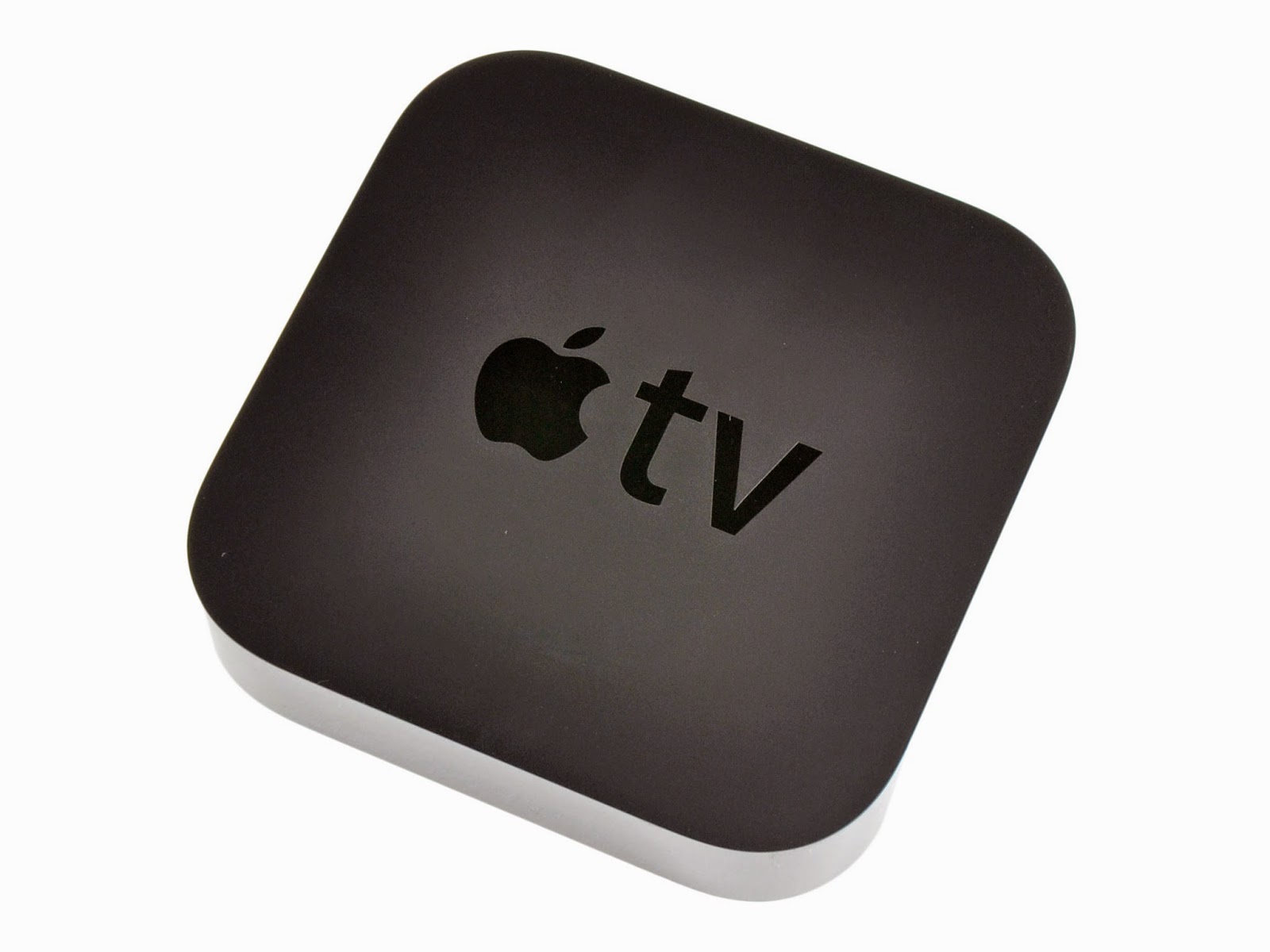
Yeah. We FINALLY have Apple TV in the Year 5 and 6 classrooms which makes teaching with an iPad soooooo much easier and fun! It is great for the children to be able to show their iPad screen on the whiteboard without having to plug it into a cable! It is great for me as a teacher to be able to walk around the classroom with my iPad, giving the iPad to various children, without having to stand at the front of the classroom attached with a cable to the whiteboard!! This tiny little black box has changed my teaching this year. If you haven't got one, and you teach with iPads, you MUST invest in one in your classroom!


And finally, the year 5 children have been working so hard this half term on creating books in the style of the Mr Men series for Language Arts. They have been using the app Book Creator to make these. I am really looking forward to posting some of the finished books so please return soon to look at them!

Classifying dinosaurs in Year 3 using Popplet


One of the most versatile apps we have on all the yeargroup iPads is Popplet. At €4,49 is it well worth purchasing the full version of this app.

In year 3, we have been using it to classify dinosaurs. Since the children are already familiar with using the app as a brainstorming style app, it was easy for them to use it in a different way to help create a branching database to sort dinosaurs. Using the iPads and the app made a complicated task a little bit easier.

Here are some of the finished branching databases.


3 October 2014

Year4: Word Clouds

We have a new app and we love it!


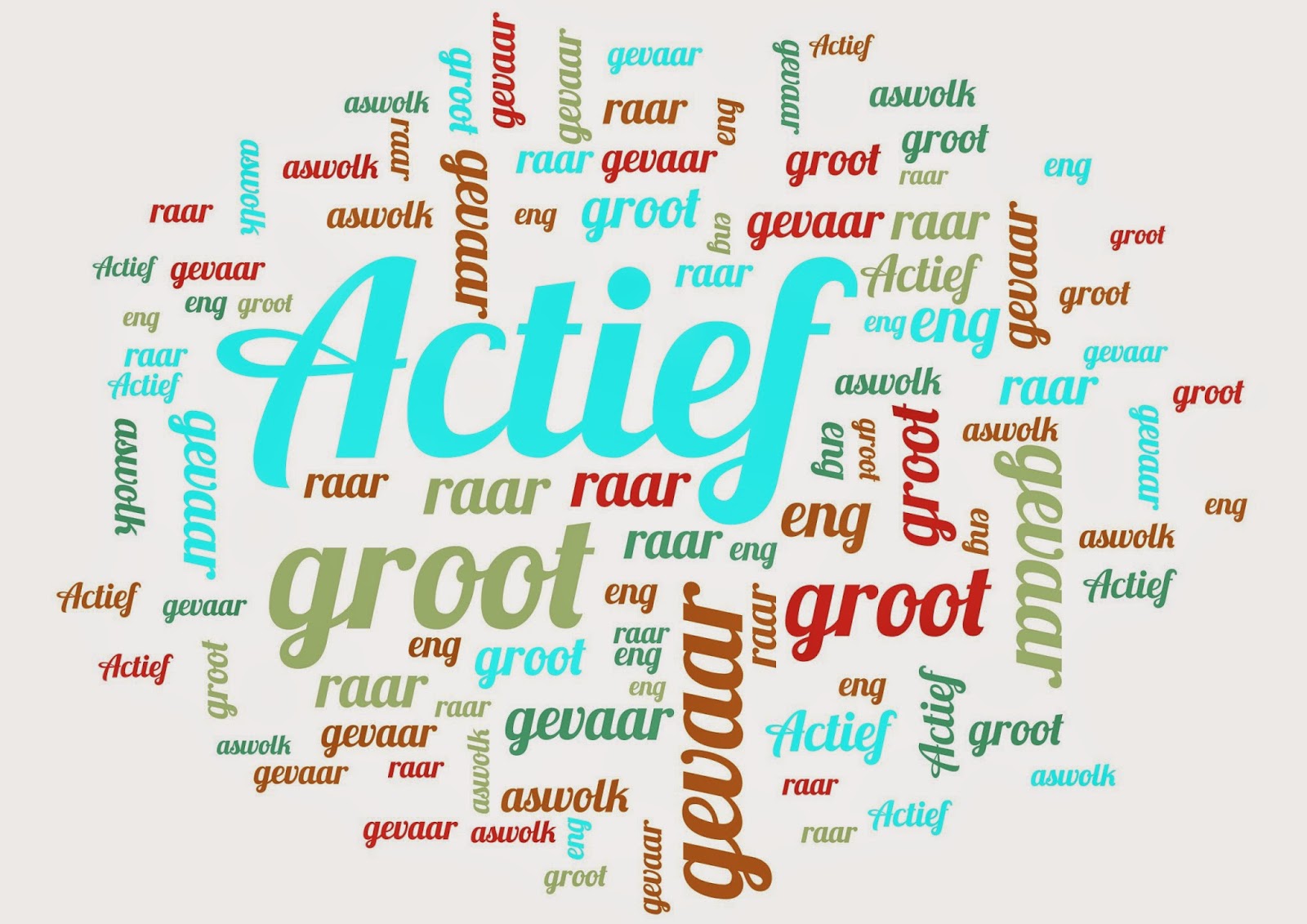
This app can be used to create colourful word clouds for all areas of the curriculum. Year 4 have been using the app to create word clouds about Volcanos and other natural disasters. They even used it in their Mother Tongue lessons. Here are some finished clouds (or salads as the app likes to call them!)


11 November 2013

Text and Graphics: Shape Mindmaps

In year 2 this week, the children have been demonstrating their knowledge of 2D shapes by creating mind maps in their ICT lessons. 

Here are some of the finished mind maps.


5 November 2013

Text and Graphics: Reception practice writing their names

Today, the reception children used the iPads to practice writing their names. Some of the children ewe able to find the letters of their name from the alphabet list and others were able to order the letters of their name on screen. They also had fun drawing some pictures.


11 October 2013

Using the Pri-Moodle to share information

The Year 3 children have been getting used to using the Moodle this week.

For their IPC topic Dinosaurs the children have been learning all about Dinosaurs. They used the Moodle to chose their favourite dinosaur and then used the bar chart to discuss the results. It looks like the T Rex is particularly popular!


They also used the Moodle to write down some facts about dinosaurs. They really enjoyed reading each other's facts and commenting on them. Here are a few facts for you.